PivotX V2 · Windows Desktop
Trade with the discipline of a session clock, not a spreadsheet.
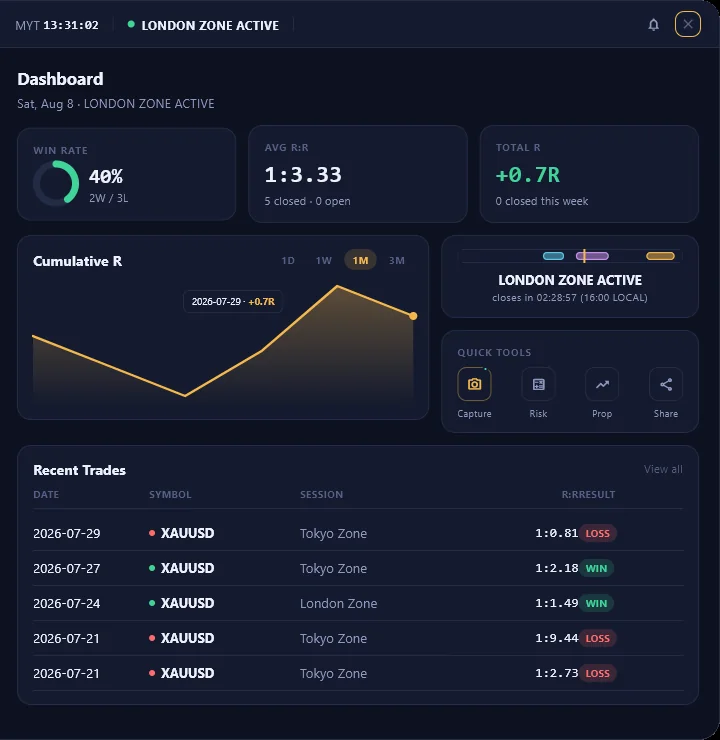
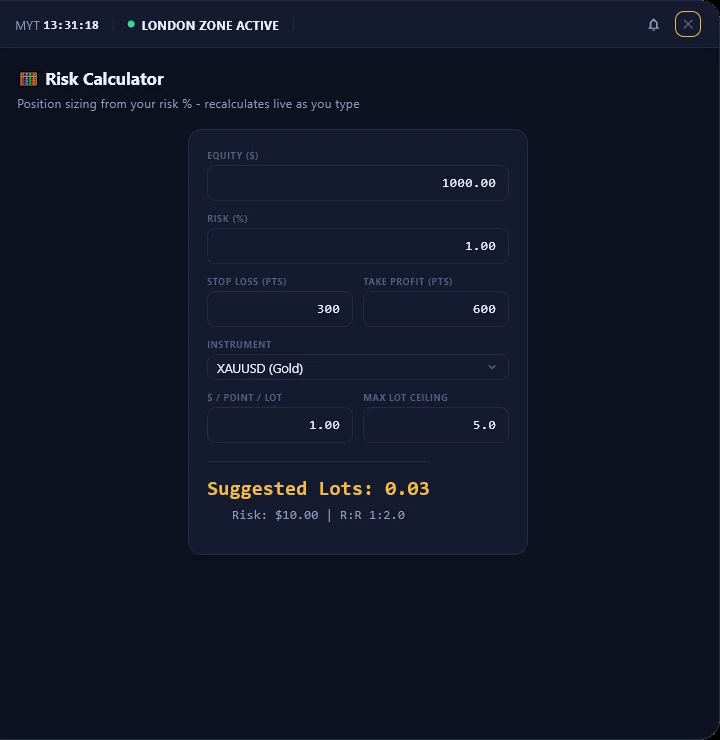
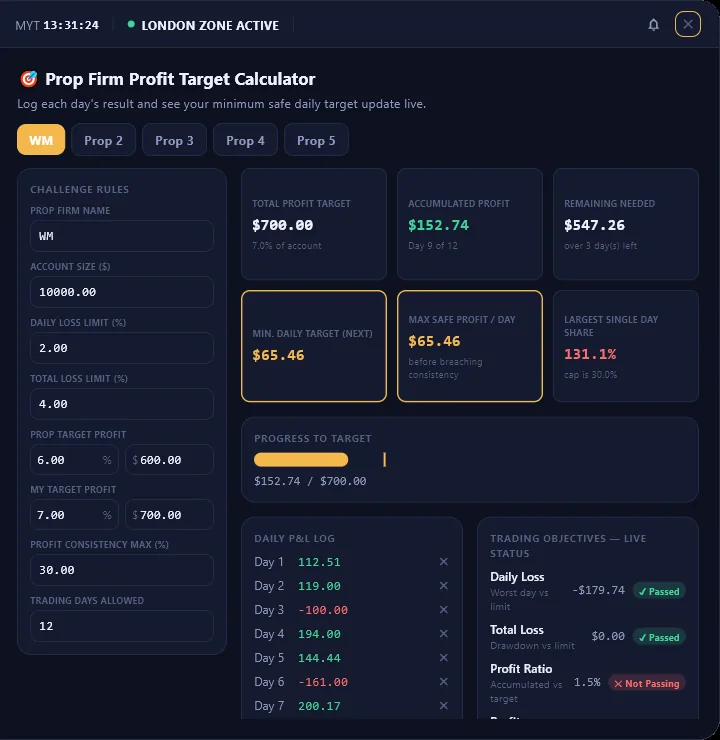
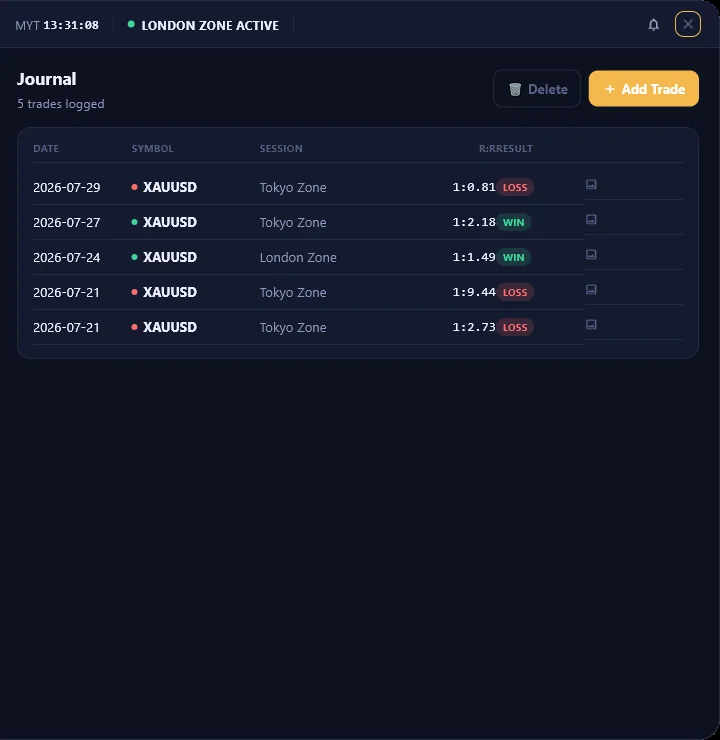
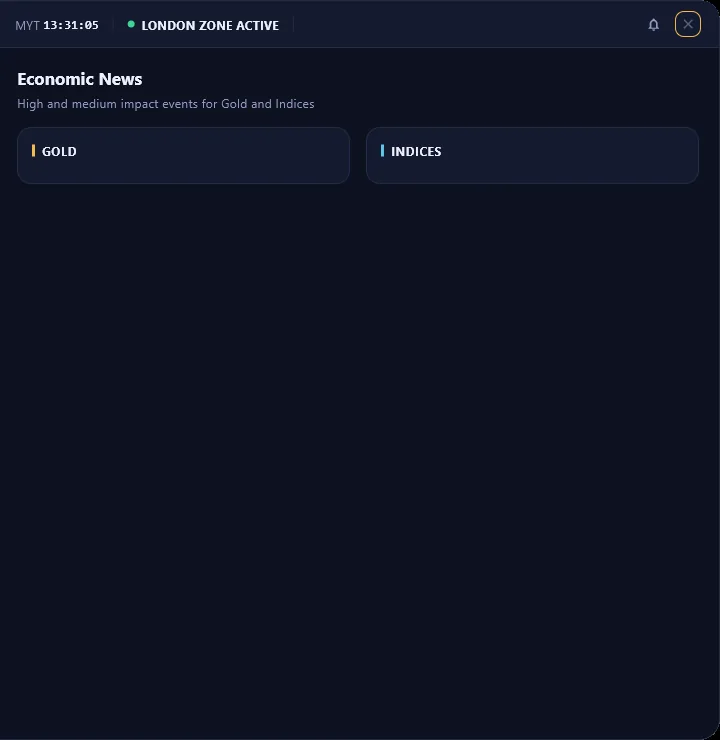
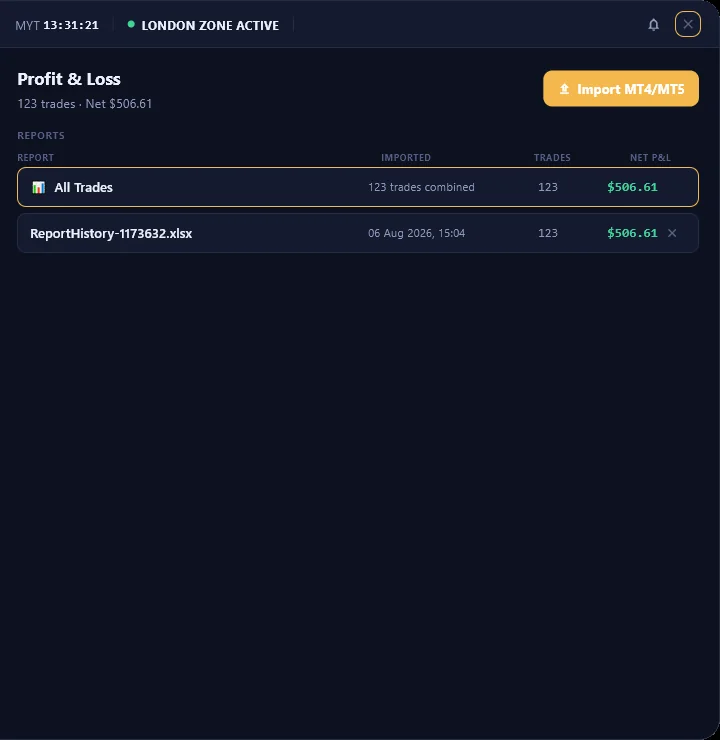
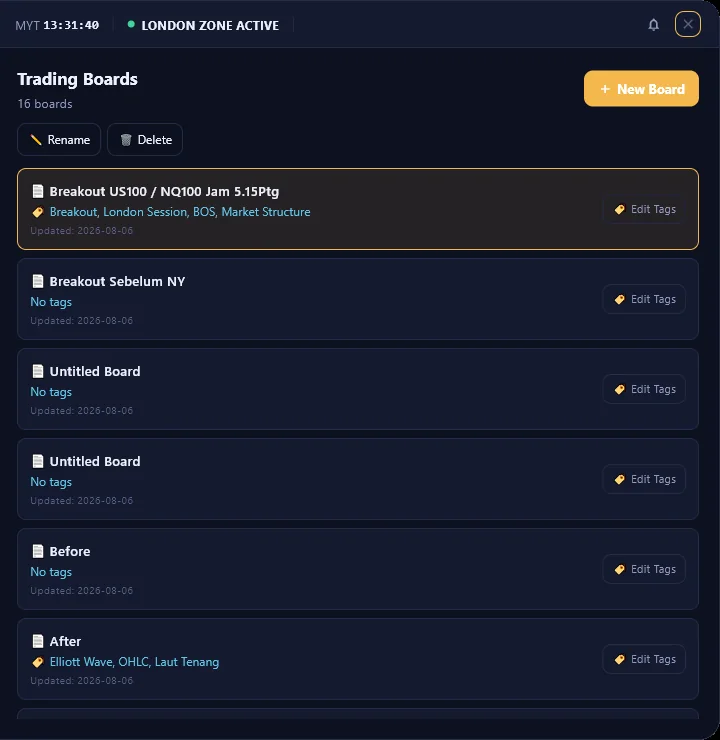
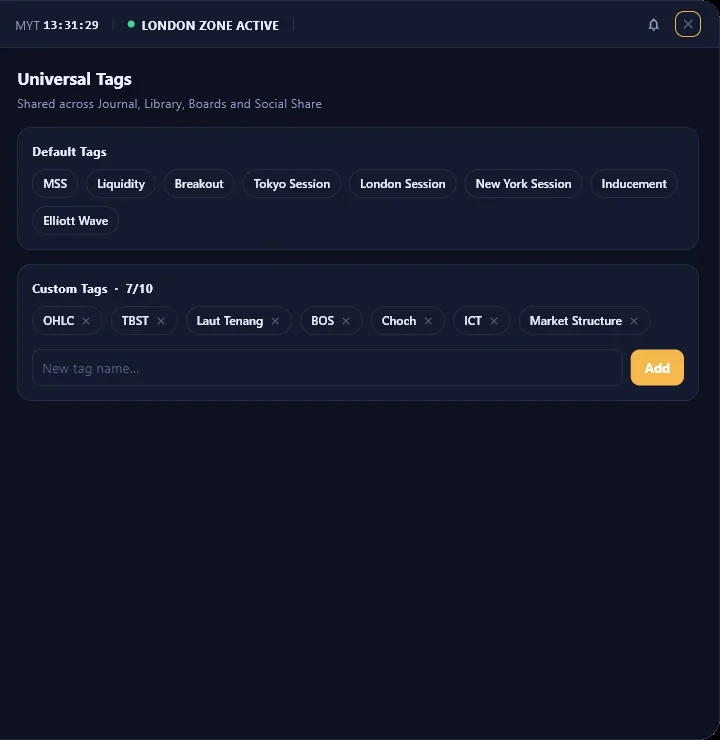
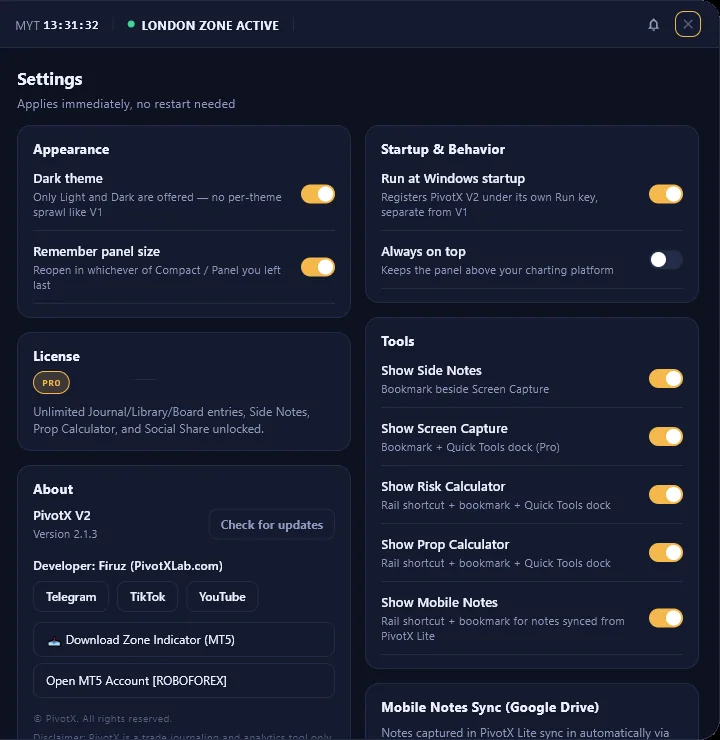
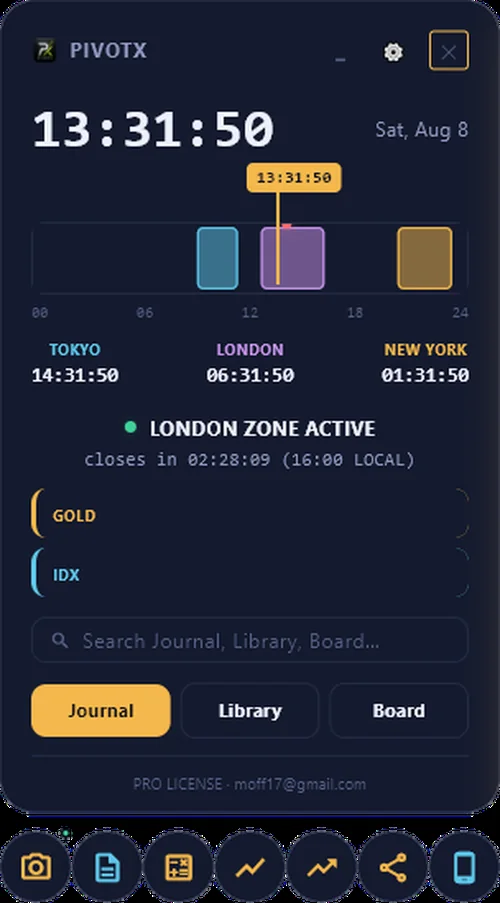
A live Tokyo/London/New York session clock, a prop-firm challenge calculator, an automated trade journal, and playbook boards — all in one panel that stays pinned beside your charts.
Tour The App
Everything a discretionary trader actually uses
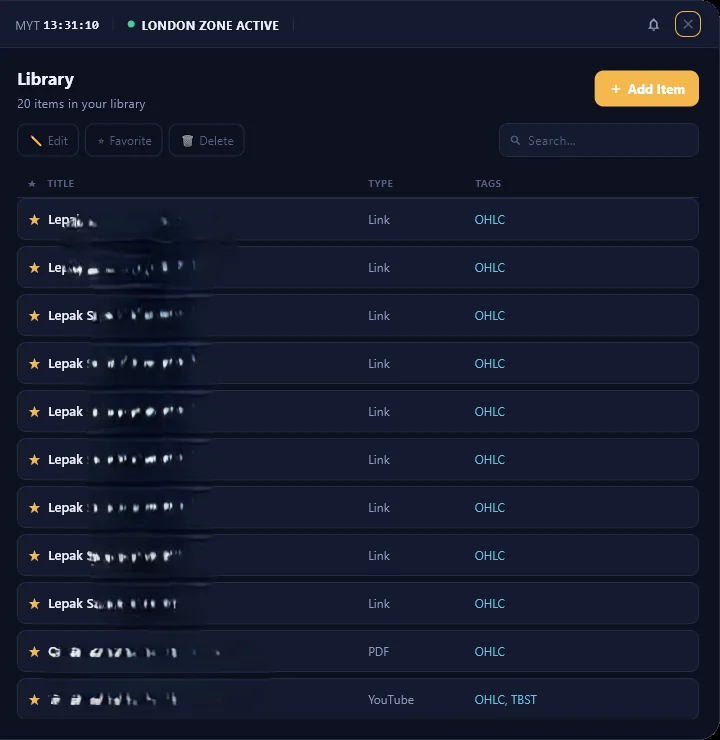
No trial, no expiry on the core panel. Click any screenshot to see it full-size.
Mobile Notes
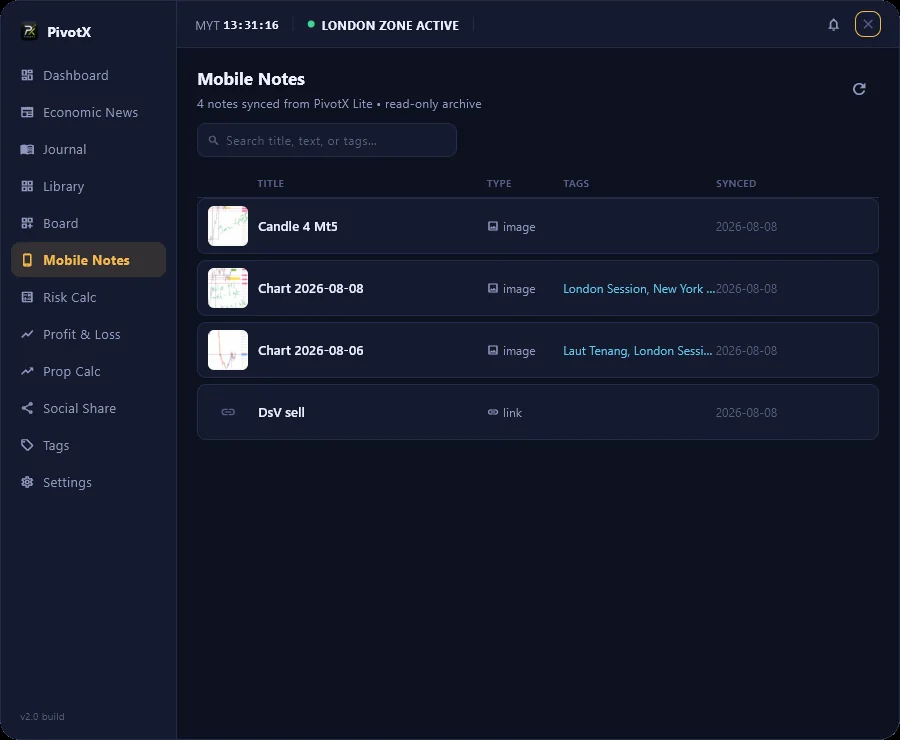
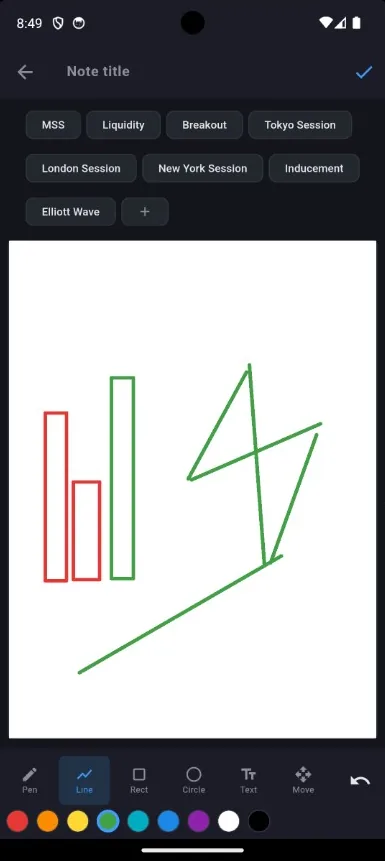
Sketch on a chart from your phone. It's on your desktop minutes later.
Annotate a chart in the free PivotX Lite app, and it syncs into V2's Mobile Notes tab automatically — over your own Google Drive, one-way, no PivotX server ever sees your notes.
- Sketches, text notes and links, all synced
- Your own Google Drive — nothing routed through us
- Automatic background sync, or sync on demand
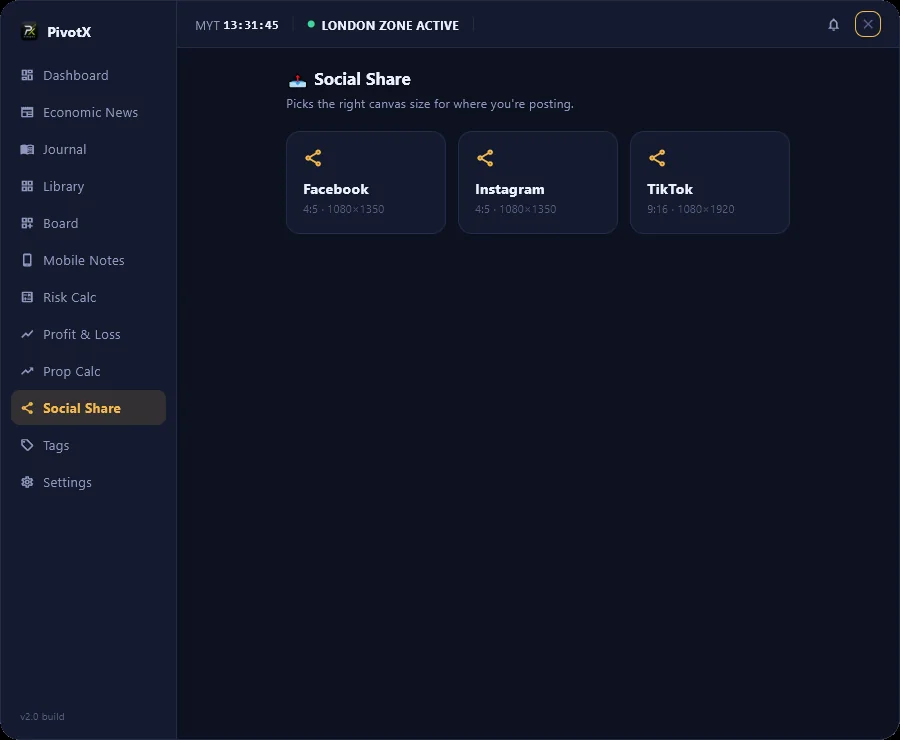
Social Share
Post a trade recap without fighting canvas sizes
Facebook, Instagram and TikTok presets built in, so sharing a result doesn't mean re-cropping the same screenshot three times.
PivotX Lite · Free Companion App
Your session clock and trade notes, right in your pocket
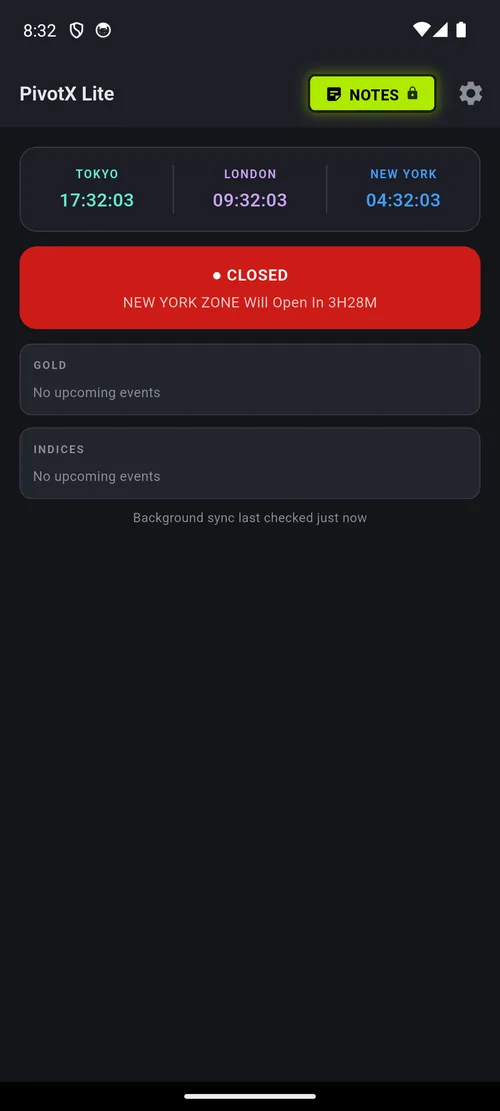
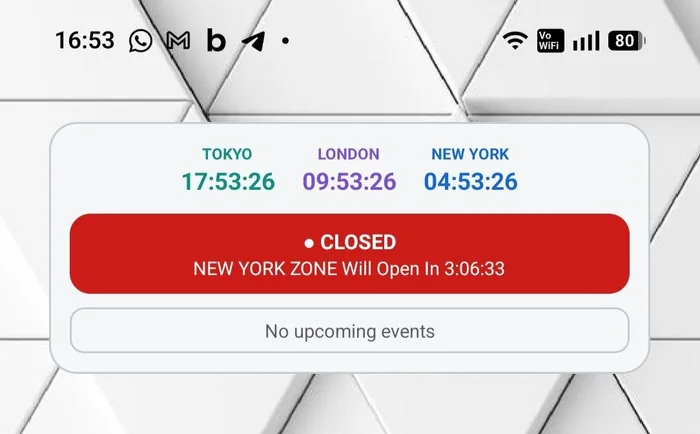
PivotX Lite is a free Android companion: Tokyo/London/New York session countdowns, high-impact news alarms, and quick trade notes — sketch, type, or save a link straight from your phone.
Every note syncs automatically into PivotX V2's Mobile Notes tab, so an idea captured on the train is waiting on your desktop by the time you sit down to trade.
Pricing
Start free. Unlock the rest with one key.
No subscription — Pro is a one-time activation key tied to your machine. Your key is emailed automatically the moment you purchase.
- Live session clock & economic calendar
- Trade journal & risk calculator
- PivotX Lite mobile companion
- 1 playbook board, 1 library item
- Everything in Free
- Unlimited boards & library items
- Prop firm challenge calculator
- MT4/MT5 PnL import
- Mobile Notes sync & Social Share studio
- Key emailed automatically, instantly
FAQ
Questions traders actually ask
Is Pro really a one-time payment?
Yes — $25 once, tied to the machine you activate it on. No monthly fee, no renewal.
How do I get my activation key?
It's emailed to you automatically the moment your payment completes — no waiting on a manual reply.
Can I use PivotX on more than one device?
Your Pro key unlocks one desktop and one mobile device at a time — a PC and a phone don't conflict with each other. Moving to a new machine? Just ask and we'll clear the old device lock.
Does PivotX place trades for me?
No. PivotX is a journal, session clock and planning tool — it never connects to your broker or executes anything. You stay in full control.
Is my data sent to your server?
Your trades and notes live locally on your device. Mobile Notes sync goes through your own Google Drive, not through us.
Does it work for gold, indices and forex, or just XAUUSD?
Any symbol — the session clock, risk calculator and journal aren't limited to gold. XAUUSD just happens to be what the screenshots on this page trade.
Is there a Mac version?
Not yet — PivotX V2 is Windows 10/11 only right now. PivotX Lite (the free companion) covers Android.